Product video shot list planning gives small brands a repeatable set of clips instead of a camera roll full of near-duplicates. This guide is for sellers shooting on a phone who want enough visual variety to build a clear, fast product ad.
A useful product video shot list covers four jobs: stop the scroll, establish the product, prove one benefit, and close with a clean packshot. Capture each clip for three to five seconds, leave space around the subject, and record alternate angles. Twelve simple shots can supply several short edits without another shoot.
Why a product video shot list works
A shot list separates planning from filming. You decide what each clip must communicate before you arrange the light, open packaging, or ask a model to repeat an action. That makes a short phone shoot easier to manage and keeps every shot tied to the ad’s story.
The list also creates editing options. A wide view supplies context, close-ups show detail, motion holds attention, and a steady final frame gives the viewer time to recognize the product. If you need opening ideas before filming, use this library of product video hooks for phone-shot ads to choose the promise your first shot should support.
12 product video shot list clips to capture
1. The motion hook
Start with an action that is readable before any explanation: drop the pouch onto a table, slide the box into light, twist the cap, or pull back fabric to reveal the product. Frame tightly and complete the action in about two seconds.
2. The clean hero frame
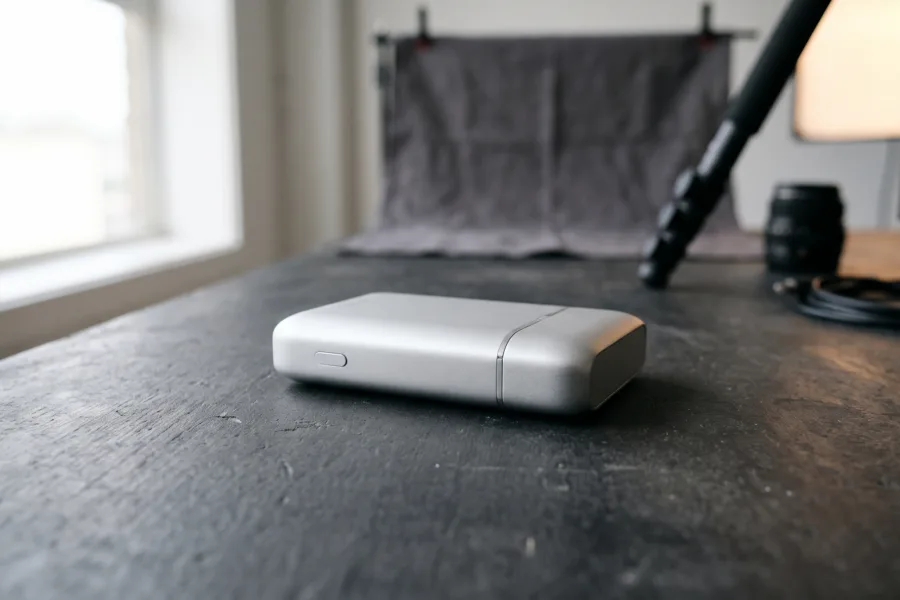
Record the entire product against an uncluttered background. Keep the phone still while light or a small prop moves. This is your visual reset and can also work as the final shot.
3. The front label or defining detail
Move close enough to show the feature that helps a shopper identify the item: a clasp, texture, applicator, port, stitch, or material finish. Lock focus before recording and avoid digital zoom.
4. The hand pickup
Let a hand enter, pick up the product, and leave the frame. This shows scale and turns a static object into something usable. Keep fingers relaxed and repeat the motion until it looks natural.
5. The main action
Show the product doing its primary job. Pour the drink, fasten the jewelry, apply the cream, open the case, or drag the digital template into a project. One action per clip is easier to understand than a complete routine.
6. The result shot
Show the immediate visible state after use. Focus on evidence rather than a broad promise: a closed seal, smooth texture, organized cable, styled accessory, or finished screen. Do not stage a result the product cannot reliably deliver.
7. The texture close-up
Film material moving across light or reacting to touch. Side light reveals grain, gloss, bubbles, weave, and edges better than flat frontal light. For more setups, see these tactile product photography detail looks.
8. The over-the-shoulder view
Place the phone slightly behind the user’s shoulder or hand so the viewer feels present in the action. Keep the product unobstructed. This angle works especially well for tools, packaging, gadgets, and digital products.
9. The side-profile move
Move the phone slowly past the product or rotate the product on a smooth surface. Pick one direction and maintain a constant speed. A small arc is usually steadier than trying to orbit all the way around.
10. The comparison frame
Place the product beside a familiar hand, shelf, bag, or workspace to communicate size and context. This is not a performance comparison; it simply answers where the item fits and how large it is.
11. The packaging moment
Open the mailer, lift the lid, peel tissue, or return the item to its case. Capture clean sound even if you expect to add music later. Packaging can provide useful transitions at the beginning or middle of an edit.
12. The closing packshot
End with the product centered and still for at least two seconds. Leave empty space around it in case you add platform-native text later. Avoid baking prices or claims into the footage, so the clip stays reusable.
How do you shoot a product video shot list on a phone?
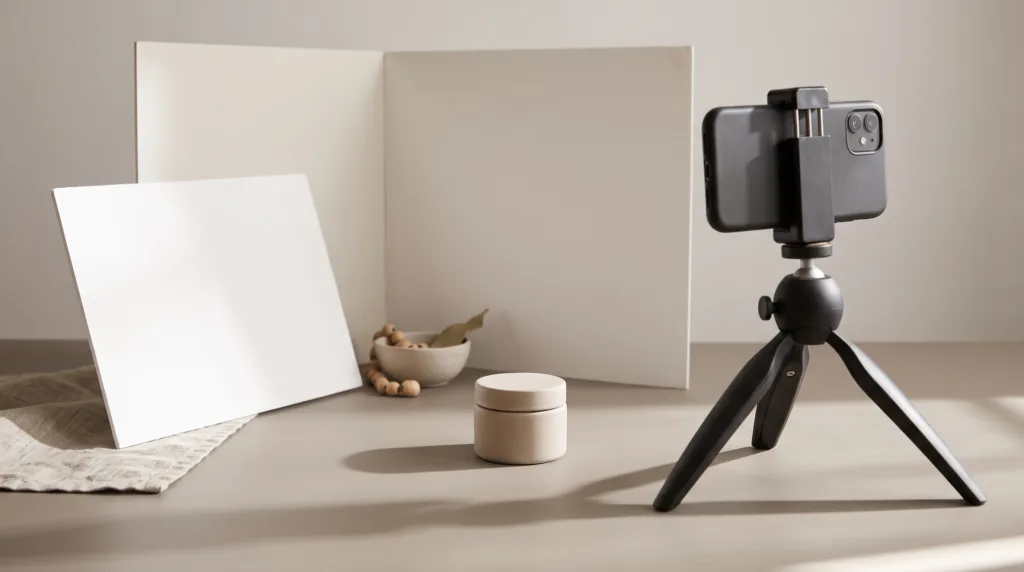
Shoot one setup at a time, not one finished ad at a time. Clean the lens, stabilize the phone, lock focus and exposure, then capture all shots that use the same background and lighting. Change the setup only after you have checked sharpness, reflections, and unwanted labels.
According to TikTok for Business (2026), the recommended vertical format for Non-Spark in-feed ads is 9:16 at 540 × 960 pixels or higher. Recording vertical from the start avoids throwing away much of your frame during a crop.
According to Meta Business Help Center (2026), 9:16 ads across Stories, Reels, Feed, and Facebook in-stream reels should keep the top, bottom, and side edges clear of key creative elements. Give the product breathing room rather than pressing it against an edge.
Copyable shoot-day checklist
- Clean the product, background, and phone lens.
- Turn off mixed overhead lighting and use one window or one lamp.
- Set the phone to vertical and switch on the composition grid.
- Record three takes of each action: safe, closer, and faster.
- Hold still for one second before and after every movement.
- Review focus and exposure at full screen after the first three clips.
- Capture five seconds of room tone and two clean product sounds.
- Back up the strongest takes before clearing the set.
How do you turn the shot list into a short ad?
Build a six-shot sequence before adding transitions: motion hook, hero frame, main action, detail, result, and closing packshot. Trim each clip to the shortest length that remains understandable. If the story feels confusing without captions, change the order before adding more effects.
- Choose one message. Write a single sentence describing the product, audience, and visible benefit.
- Pick a matching hook. Lead with the action or detail that makes that sentence believable.
- Add proof in the middle. Use the main action, texture, and result rather than three decorative angles.
- Finish cleanly. Hold the packshot long enough for recognition and any platform-native caption.
- Make one controlled variant. Change only the hook or shot order so you can compare the creative idea.
If you have a strong product photo but could not capture enough motion, you can turn a product photo into a short ad in Prodvid. Prodvid is our iPhone app for AI product video ads; treat generated footage like any other clip and check product shape, labels, colors, and claims before publishing.
Product video shot list FAQ
How many shots do you need for a 15-second product video?
Six to eight shots are usually enough for a clear 15-second product video. Capture the full 12-shot list so you have choices, then use only the clips that support one message. A concise edit is stronger than squeezing every angle into one ad.
How long should each raw product clip be?
Record each raw clip for three to five seconds, with a still moment before and after the action. That extra space gives you clean edit points. The final cut may use only half a second from a motion hook or two seconds from a demonstration.
Should product videos be shot vertically or horizontally?
Shoot vertically when the planned destination is TikTok, Reels, or Shorts. Shoot a second horizontal hero and demonstration take if the footage must also serve a website or landscape placement. Reframing one tight clip for every format often cuts off hands or the product.
What if you only have one product and one background?
Change camera height, distance, light direction, and hand action rather than adding random props. A wide context shot, eye-level hero, overhead action, and macro detail can look distinct on the same surface while preserving a consistent visual identity.
Key takeaways
- Plan every clip around one of four jobs: hook, establish, prove, or close.
- Capture all 12 shots, but use only six to eight in a short ad.
- Shoot vertical at the source and keep important details away from interface-prone edges.
- Record three takes and leave still handles before and after each action.
- Make variants by changing one element, beginning with the opening shot.
Sources
- TikTok for Business: Auction In-Feed Ads specifications (accessed October 2026).
- Meta Business Help Center: Text overlays and safe zones for ads (accessed October 2026).