Product video aspect ratio determines how much screen your ad occupies, where it can run, and which parts of the product remain visible after cropping. This guide is for small brands and sellers who want to shoot once on a phone, then make clean versions for vertical video and feed placements.
The practical default is to compose a master shot for 9:16 while keeping the product, hands, and key action inside a centered 4:5-safe area. Export separate 9:16, 4:5, and 1:1 files rather than letting a platform crop automatically. This preserves framing and gives every placement a deliberate edit.
Why product video aspect ratio matters
Aspect ratio is the relationship between a frame’s width and height. A 9:16 frame is tall and fills a vertical phone screen. A 4:5 frame is shorter and leaves more horizontal room. A 1:1 frame is square.
The ratio changes the story you can show. Tall framing suits a hand reaching toward a product, a top-to-bottom reveal, or a person demonstrating an item. A square frame favors one centered packshot. A 4:5 frame sits between those options and works well for tabletop action.
According to TikTok Business Help Center (accessed 2026), the recommended vertical dimension for non-Spark in-feed ads is 9:16 at 540 × 960 pixels or greater. That is a useful minimum, not a reason to place the product against every edge of the frame.
According to Meta’s Reels Ads Guide (accessed 2026), Instagram Reels ads use a 9:16 ratio, and important creative elements should stay away from areas that may be cropped or covered by interface controls. Build breathing room into the composition even when your final file fills the screen.
Which product video aspect ratio should you choose?
Choose 9:16 for immersive vertical placements, 4:5 when feed coverage matters, and 1:1 when you need a compact, reusable square. If you can make only one asset, prioritize the placement where the ad will actually run rather than choosing a ratio because it feels universal.
| Ratio | Best use | Framing strength | Main risk |
|---|---|---|---|
| 9:16 | Reels, TikTok, Shorts | Fills a vertical phone screen and gives movement room | Interface controls can cover edge details |
| 4:5 | Mobile feed placements | Large feed presence with useful side space | A vertical master may lose top and bottom action |
| 1:1 | Square feeds and flexible reuse | Strong centered product composition | Wide gestures and tall reveals can feel cramped |
Use 9:16 for demonstrations and reveals
A tall frame gives a hand space to enter, perform one action, and leave. It also supports vertical moves such as lifting a lid, pouring into a glass, or sliding the camera from packaging to product.
Keep the hero product near the visual center. Avoid placing tiny accessories, captions, or the decisive action at the extreme top and bottom, where platform controls or alternate crops may compete with them.
Use 4:5 for product-led feed ads
The 4:5 ratio is useful when the product must remain large but a full-height frame is unnecessary. It suits skincare bottles, candles, food packages, and small gadgets arranged on a tabletop with a hand entering from one side.
Frame a little wider than your final crop. That margin lets you adjust the product without scaling the clip until it looks soft.
Use 1:1 for centered, graphic compositions
Square video works best when the story can be read from the middle: one object, one action, one clear background. Think of a rotating packshot, a texture pressed onto a surface, or an open-close demonstration.
Do not force a full-body lifestyle sequence into a square. Crop a separate close-up that makes the product the unquestioned subject.
How do you shoot one master product video for three ratios?
Shoot a vertical master with extra room around the action, but preview a centered square while recording. This “frame within a frame” approach protects the essential story when you later crop to 4:5 or 1:1.
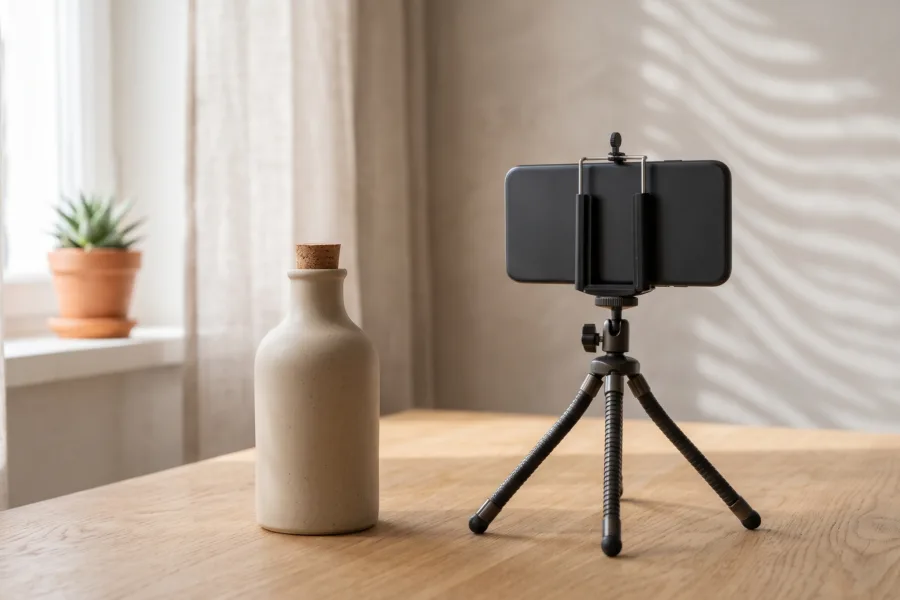
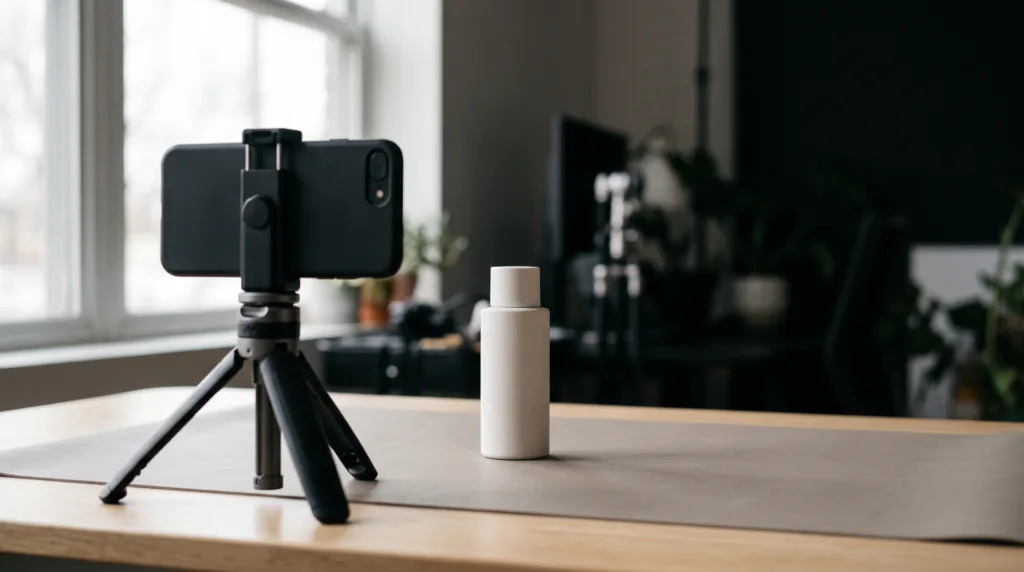
- Lock the phone. Use a tripod, clamp, or stable shelf so every crop starts from the same clean take.
- Mark a safe center. Imagine a square in the middle of the vertical frame. Keep the product and the most important hand movement inside it.
- Separate the action. Record the reach, demonstration, result, and packshot as individual clips. Short units crop more easily than one complicated take.
- Leave margins. Keep labels, fingers, and product edges away from the frame boundary. You can crop in later; you cannot restore what was never recorded.
- Capture one wider take. A slightly wider backup gives the 4:5 and square edits room to breathe.
Before recording, use the 12-clip product video shot list to collect enough close-ups, demonstrations, and packshots for multiple edits.
Copyable safe-framing checklist
- The product remains fully visible inside the center square.
- The key hand action happens near the middle, not at an edge.
- There is clean background above, below, and beside the product.
- No essential detail relies on tiny text being readable.
- Every clip still makes sense with its top and bottom trimmed.
- A clean final packshot lasts long enough for all three crops.
How do you turn one shoot into three exports?
Build the 9:16 edit first, duplicate the timeline, and reframe each duplicate rather than applying an automatic batch crop. The timing can remain consistent while the scale and position change clip by clip.
- Edit the vertical story. Arrange hook, demonstration, proof detail, and packshot in 9:16. The phone-first AI product video workflow explains how to move from idea to a checked final ad.
- Duplicate for 4:5. Reduce empty vertical space and check every cut for clipped hands or packaging.
- Duplicate for 1:1. Favor close-ups and centered actions. Replace any clip that cannot survive the tighter crop.
- Review without sound. Confirm that the product and action remain understandable before adding optional captions in the platform or editor.
- Watch each export on a phone. Look for accidental crops, soft scaling, edge clutter, and an undersized product.
If you want to explore an AI-assisted version of this workflow, you can build an AI product video ad in Prodvid, our iOS app from the Adseezy team. Treat the output as a draft and check every ratio with the same crop and product-accuracy standards.
Copyable three-ratio export brief
Create three versions from the approved master: 9:16 for vertical placements, 4:5 for mobile feeds, and 1:1 for square placements. Keep the opening hook and final packshot consistent. Reframe every clip manually so the product, hand action, and essential detail remain inside the safe center.
Product video aspect ratio FAQ
What is the best aspect ratio for a product video?
The best product video aspect ratio is the native ratio of your main placement. Use 9:16 for Reels, TikTok, and Shorts-style viewing; consider 4:5 for feed-first ads; and use 1:1 for centered square placements. Export a dedicated file for each placement when possible.
Can I crop a 16:9 product video into 9:16?
You can crop 16:9 into 9:16, but a conventional wide shot often loses most of its sides. The result works only when the product and action already sit near the center. For phone-first campaigns, recording a vertical master is usually simpler than rescuing a wide composition afterward.
Should I record in 4K before cropping?
Higher capture resolution can preserve more detail when you crop, but it does not fix poor framing, focus, lighting, or motion blur. Use the highest reliable setting your phone and editing workflow can handle, then keep the subject large enough that every export remains clear.
How much empty space should I leave around the product?
Leave enough space for a tighter square crop without cutting the product or the active hand. There is no single margin for every shot; tall bottles, wide boxes, and on-model demonstrations need different spacing. Record a short test, crop it three ways, and adjust before the full shoot.
Key takeaways
- Use 9:16 as the master when vertical placements are the priority.
- Keep the product and decisive action inside a centered 1:1-safe area.
- Export separate 9:16, 4:5, and 1:1 files instead of trusting automatic crops.
- Break the story into short clips so difficult shots can be replaced per ratio.
- Review every final export on a phone before publishing.