Product video ad variations are alternate edits that change one meaningful creative choice while keeping the product and core offer consistent. They are useful for small brands and sellers who want more testable ads from one phone shoot.
The practical method is to capture a reusable set of product clips, build one clear control ad, then duplicate it and change only the hook, proof, pacing, framing, voiceover, or ending. Label every version before publishing so you can tell which creative decision—not luck or a total reshoot—may explain a different result.
Why do controlled product video ad variations work?
Controlled variations make creative testing easier to interpret. If every version uses different footage, music, copy, length, and offer, you will not know which change deserves another round. A useful variation changes one main variable and keeps the rest recognizable.
This does not require a large ad budget. The same principle helps with organic posts: publish distinct openings or explanations, then compare the signals available on that platform. Treat the result as direction for the next batch, not proof that one edit will always win.
Platform constraints should shape the master file. According to TikTok Ads Manager Help (June 2026), 9:16 is the recommended vertical ratio for non-Spark in-feed ads, with at least 540 × 960 pixels. A clean vertical composition gives you a sensible starting point for mobile placements.
According to YouTube Help (2026), square or vertical videos uploaded since October 15, 2024 can be categorized as Shorts when they are up to three minutes long. Your ad can be much shorter, but the rule confirms that one vertical master can travel across short-form workflows.
How do you shoot reusable product footage on a phone?
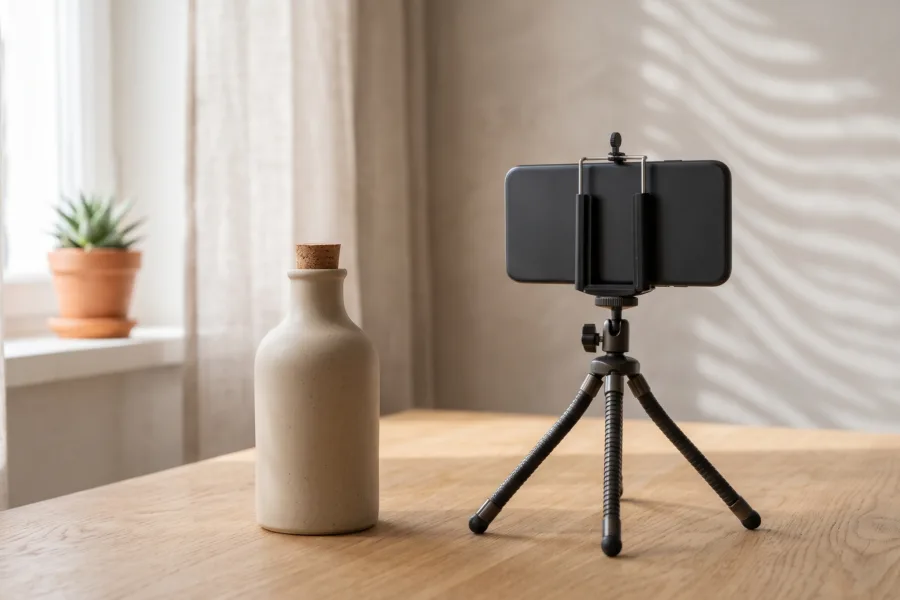
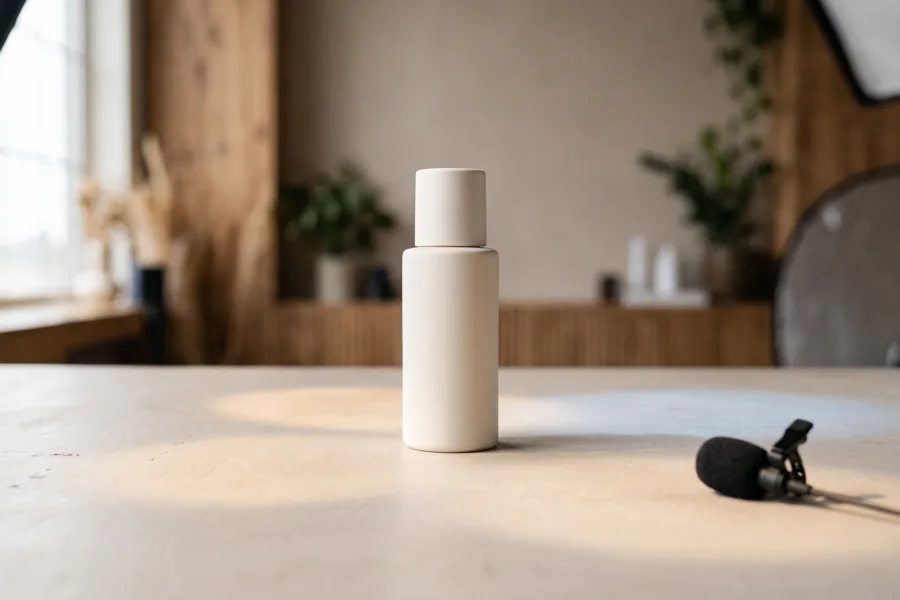
Shoot for editing options rather than one finished sequence. Lock exposure and focus when your camera app permits it, clean the lens, turn off mixed overhead light, and place the product near a window or one soft lamp. Leave empty space around the item so later crops do not cut into it.
Capture each action for two seconds before and after the useful movement. Those handles make faster and slower edits possible. A compact session can follow this 12-clip product video shot list, but the minimum reusable set is:
- one clean front view;
- one close detail;
- one hand demonstrating the main action;
- one result or finished state;
- one scale shot beside a familiar object or hand;
- one simple final packshot.
Record the same action wide, medium, and close when time allows. Keep your hands moving slowly and naturally, and check every take for fingerprints, bent packaging, flicker, or a hidden label before dismantling the setup.
8 product video ad variations to test
1. Change the opening problem
Begin with the friction your buyer recognizes: tangled cables, dry-looking texture, a slow task, or a crowded bag. Keep the rest of the edit unchanged. This tests whether problem recognition earns more attention than a product-first opening.
2. Lead with the finished result
Show the most satisfying outcome first, then reveal how the product helps create it. This is a strong alternative when the process needs context. Avoid exaggerated before-and-after claims; show only a result your footage can support.
3. Swap the spoken hook
Keep the first visual but test two concise lines. For example: “Here is what fits in my work bag” versus “The small organizer that stopped my cable hunt.” For more structures, use these product video hook examples.
4. Replace narration with demonstration
Remove the voiceover and let the hand action carry the explanation. Use only the on-screen copy that is necessary for comprehension. This variation tests whether the product is intuitive enough to sell through motion.
5. Move the proof earlier
Bring a verifiable detail—material texture, capacity, closure, ingredient label, or included part—into the first few seconds. Do not substitute vague praise for evidence. The strongest proof can be filmed close and understood without a paragraph.
6. Test fast versus calm pacing
Use the same clips in the same order, but change shot duration. One version might cut every second; another may hold the detail long enough to inspect it. Match pace to the product: tactile goods often benefit from breathing room, while a simple gadget action may read quickly.
7. Change the product context
Keep the script but open on a different truthful use case: desk versus travel bag, bathroom shelf versus gym pouch, kitchen counter versus lunch kit. Context helps the viewer recognize when the item belongs in their day.
8. Test a different ending
End one version with a clean packshot and another with the product completing its job. Keep any offer wording identical. This isolates whether closure through product use is clearer than a traditional beauty shot.
What is a fast workflow for making a batch?
- Name the decision. Write one question, such as “Does problem-first beat result-first?”
- Build the control. Finish one clear edit using your best-supported claim.
- Duplicate before changing. Preserve timing, offer, audio level, and export settings.
- Change one main variable. Replace the hook, proof shot, pacing, context, narration, or ending—not all six.
- Use a phone-based tool where it saves time. If you need to create alternate scenes from a product photo, you can make AI product video ad variations in Prodvid, our iPhone app, then review every output for product accuracy and brand fit.
- Export with useful names. Use labels such as BAG-HOOK-A-RESULT and BAG-HOOK-B-PROBLEM.
- Log the publishing details. Record date, channel, audience, spend if applicable, and the one variable changed.
- Choose the next test. Repeat a promising pattern with a new execution instead of declaring a permanent winner.
Copyable product video variation checklist
Creative question: Does ______ outperform ______ for this product?
Control: Hook ______ / proof ______ / ending ______
Variation: Change only ______
Keep fixed: Offer / audience / placement / caption / runtime range
File names: PRODUCT-V1-CONTROL and PRODUCT-V2-CHANGE
Quality check: Product is accurate / claim is supportable / first frame is clear / audio is audible / important details remain inside the safe area / export plays correctly
Review: Compare like with like, note the strongest signal, and write the next creative question.
If your distribution settings change between versions, mark that clearly. A creative difference is harder to interpret when one edit also received a different audience, budget, placement mix, or posting time.
FAQ
How many product video ad variations should I make?
Start with three: one control and two versions that each change a single main element. That is enough to establish a repeatable naming and review habit without creating a folder full of near-duplicates. Expand the batch only when each version answers a clear creative question.
How long should a product video ad be?
Make it only as long as the demonstration needs. A simple reveal may work in a brief edit, while an unfamiliar product may need more explanation. Cut pauses that add no information, but do not rush past the proof a buyer needs to understand the item.
Should every variation use the same footage?
No, but the control and its closest test should share most footage. Replacing one opening or context shot is useful when that is the variable being tested. Reshooting everything creates a new concept rather than a controlled variation, which makes the lesson less precise.
What should I test first in a product video?
Test the opening first because it frames everything that follows. Compare a problem, result, demonstration, or curiosity-led opener while keeping the body and ending stable. Once you find a promising hook pattern, test proof order, pacing, or context in the next batch.
Key takeaways
- Capture a reusable set of wide, medium, close, demonstration, result, and packshot clips.
- Build one control, then change one meaningful variable per version.
- Start with hooks, proof order, pacing, context, narration, and endings.
- Use clear file names and log distribution differences before comparing results.
- Treat each result as a clue for the next creative question, not a universal rule.
Sources
- TikTok Ads Manager Help: TikTok Auction In-Feed Ads (updated June 2026)
- YouTube Help: Understand three-minute YouTube Shorts (accessed October 2026)