Gadget product video ideas work best when they make one useful action easy to see. This guide is for small electronics brands, marketplace sellers, and makers who need clear ads without a studio crew.
A strong gadget video ad shows the product, demonstrates one benefit, and gives that benefit a human context. Start with a clean hero shot, add close-ups of the key action, and finish on the result. Keep each clip focused so viewers can understand the gadget even with the sound off.
Below are seven repeatable concepts, a phone-shooting process, and a copyable 15-second script.
Why gadget product video ideas work
Gadgets become interesting when the viewer can understand the change they create. A charger is the moment a low-battery problem stops interrupting the day. A desk light is a clearer workspace. A stand is a more comfortable viewing angle.
Demonstration is therefore more useful than a long specification list. Choose one promise per ad, then use motion, scale, sound, and context to prove it visually. If the product has several functions, make separate short videos instead of squeezing every feature into one edit.
Platform flexibility also matters in 2026. According to YouTube (2024), square or vertical videos uploaded from October 15, 2024 can be categorized as Shorts when they run up to three minutes. Sellers can make both fast hooks and longer demonstrations, although the idea should still dictate the length.
7 gadget product video ideas to try
1. The one-action demonstration
Open on a finger pressing, sliding, plugging in, or unfolding the product. Cut immediately to the visible result: a light switches on, a stand locks into position, or a cable retracts. Film the action from a medium angle for context and as a tight detail for proof.
2. The pocket-to-purpose reveal
Begin with the gadget coming out of a pocket, pouch, or small bag. Place it beside a key, mug, or notebook to establish scale, then show it being used. This suits compact chargers, trackers, earbuds, lights, and travel accessories. One clean removal and one useful action are enough.
3. The problem-and-fix mini story
Show a recognizable inconvenience in the first two seconds: a cable slipping behind a desk, a phone propped at an awkward angle, or a dark corner during a call. Introduce the gadget as the fix, then hold on the improved setup.
Keep the problem believable. Use this library of product video hooks for phone-shot ads to match one opener to one real frustration.
4. The three-detail macro tour
Choose three details that communicate build or function: a textured dial, hinge, port, magnetic connection, or status light. Give each one a steady close-up and place a wider shot between details so viewers do not lose orientation. Side light reveals edges and texture better than flat front light.
5. The desk transformation
Start with a plain or slightly messy workspace. Add the gadget, route the cable, adjust the angle, and finish with a composed wide shot. Keep the camera fixed and change one element at a time. The transformation will remain clear even in a fast edit.
6. The size and compatibility check
Place the product next to a familiar object, then show how it connects or fits. Film the exact contact point rather than implying compatibility with a distant beauty shot. For mounts, cases, adapters, docks, and storage accessories, show only combinations you have tested and state any limitation.
7. The clean studio motion ad
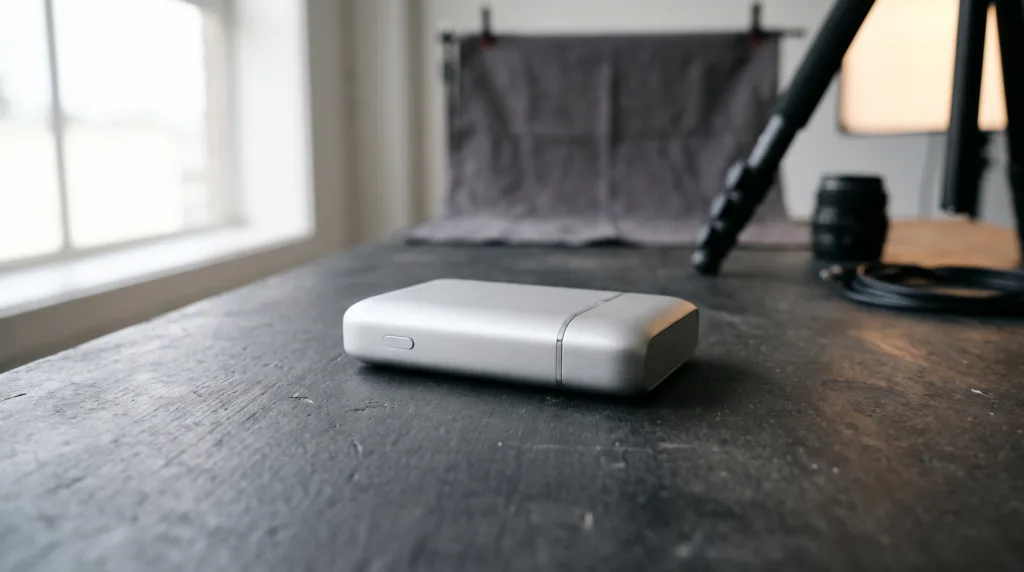
Build a tabletop scene with one background color and one controlled movement: a slow push-in, a quarter turn, or light traveling across the surface. Use it as polished visual punctuation between demonstration clips.
If you have a clean still photo but no usable motion shot, you can turn a product photo into a short gadget ad in Prodvid, our iOS app for AI product video ads. Check the product shape, ports, materials, and branding before publishing the result.
How do you shoot a gadget video on a phone?
Shoot a gadget video on a phone by controlling light, focus, reflections, and camera movement before adding transitions. Wipe the lens and product, disable notifications, lock exposure and focus, then record each action in wide, medium, and detail views. A stable phone and repeatable movement matter more than an elaborate set.
- Prepare the surface. Use matte card, wood, or fabric that contrasts with the gadget.
- Shape one light. Place a window or diffused lamp about 45 degrees to the product. Use white card opposite it to soften shadows.
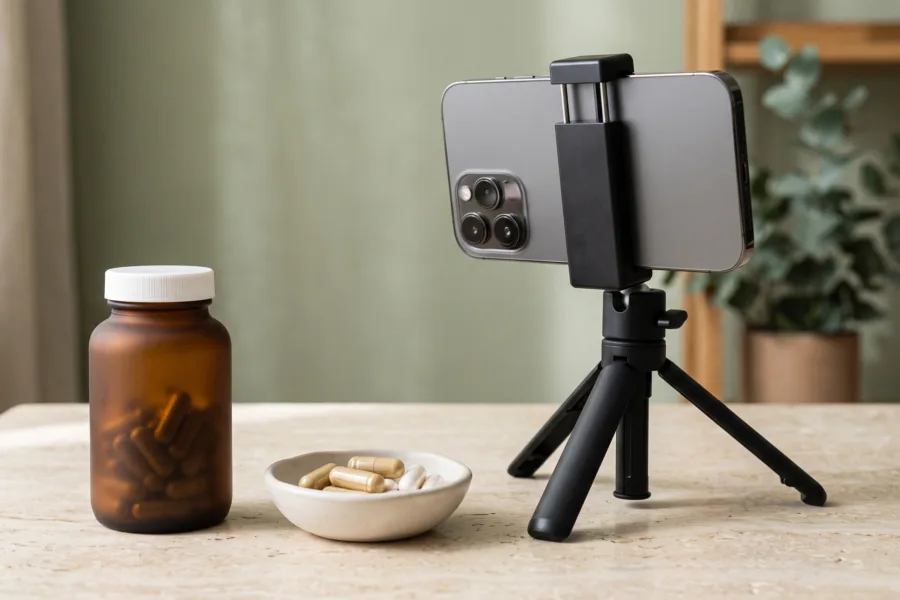
- Lock the camera. Use a small tripod or brace the phone. Lock focus where the action will happen.
- Record handles. Leave one second before and after every action to make editing easier.
- Capture useful sound. Record clicks, snaps, zips, and switches in a quiet room.
- Review at full size. Check dust, flicker, reflections, false indicators, and unclear ports before dismantling the set.
According to Apple (2025), iPhone 17 Pro models support 4K video at 120 frames per second. A high frame rate can help with a brief slow-motion click or unfolding action, but it does not replace good light. Use normal video when slow motion adds no information.
Copyable gadget video checklist and script
Use this checklist before every phone shoot:
- One buyer problem and one product benefit selected
- Product cleaned; ports, hinges, and lights checked
- Plain background with enough contrast
- Wide, medium, and close shots planned
- Focus and exposure locked at the action point
- One second of still footage around every take
- Compatibility claims verified on the shown device
- Final frame checked for glare and personal data
Copy this 15-second script template:
0–2 seconds: Show the frustrating moment. “Still dealing with [specific problem]?”
2–6 seconds: Perform one action. “This [product type] helps you [plain-language benefit].”
6–11 seconds: Show two proof details. “Here is [detail one], plus [detail two].”
11–15 seconds: Hold on the result. “Built for [specific use situation].”
Turn that script into a practical sequence with this 12-clip product video shot list. Extra coverage gives you choices; you do not need every clip in the final edit.
FAQ
What is the best first shot for a gadget ad?
The best first shot is the smallest action that reveals the main benefit. Show the hinge opening, connector snapping in, light switching on, or stand supporting a device. A clear action creates curiosity while giving immediate information, which is more useful than a logo or slow product spin.
How long should a gadget product video be?
A gadget product video should be as long as the demonstration needs and no longer. A one-action idea may work in 10–15 seconds, while setup or compatibility needs more time. Make the shortest complete version first, then extend it only when each additional shot answers a buyer question.
How do you avoid reflections on glossy electronics?
Avoid reflections by increasing the apparent size of the light and changing its angle. Diffuse a window with a sheer curtain, place white card near the product, and rotate the gadget until hotspots move away from important details. Wear dark, plain clothing so your reflection is less obvious.
Should a gadget ad show every feature?
No, a gadget ad should usually show one benefit supported by two or three details. Listing every feature weakens the story. Build a series instead: one video for setup, one for portability, one for a signature function, and one for materials or compatibility.
Key takeaways
- Build each gadget ad around one visible action and one buyer benefit.
- Record wide, medium, and close views for context and proof.
- Use simple light, locked focus, and a stable phone before adding effects.
- Show size and compatibility honestly, especially for adapters and mounts.
- Review every frame for inaccurate details, glare, dust, and personal data.