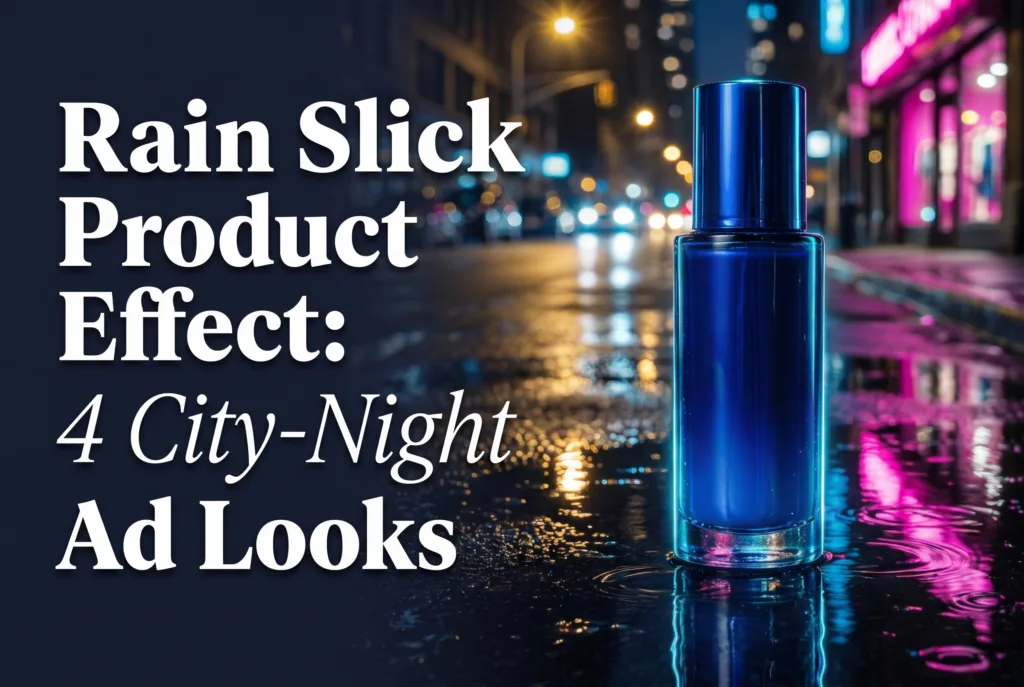
Rain slick product effect styling puts a clear hero product on a wet, reflective surface with controlled night color. It suits small brands selling beauty, footwear, drinks, accessories, or gadgets because one tabletop setup can suggest a cinematic city scene while keeping the packshot readable on a phone.
The effect works through restraint: one clean silhouette, one reflection color, and one believable light source. This guide gives you four looks, a phone-shooting method, a copyable prompt template, and checks that stop puddles and neon from overpowering the item.
Why does the rain slick product effect work?
Wet ground turns a dark, ordinary surface into a layer of depth. Small highlights break up the black areas, a long reflection leads the eye toward the product, and a low camera angle makes a compact item feel substantial.
The useful tension is between a polished product and an imperfect street texture. Keep the item crisp while allowing the puddle, background lights, and droplets to soften. If every part of the frame is equally sharp or equally bright, viewers have no obvious place to look.
This effect pairs naturally with the hard-light techniques in our shadow play product ads guide. Use the shadow to define the shape; use the wet reflection to create atmosphere.
4 rain slick product effect looks to try
1. Cobalt serum with a magenta reflection
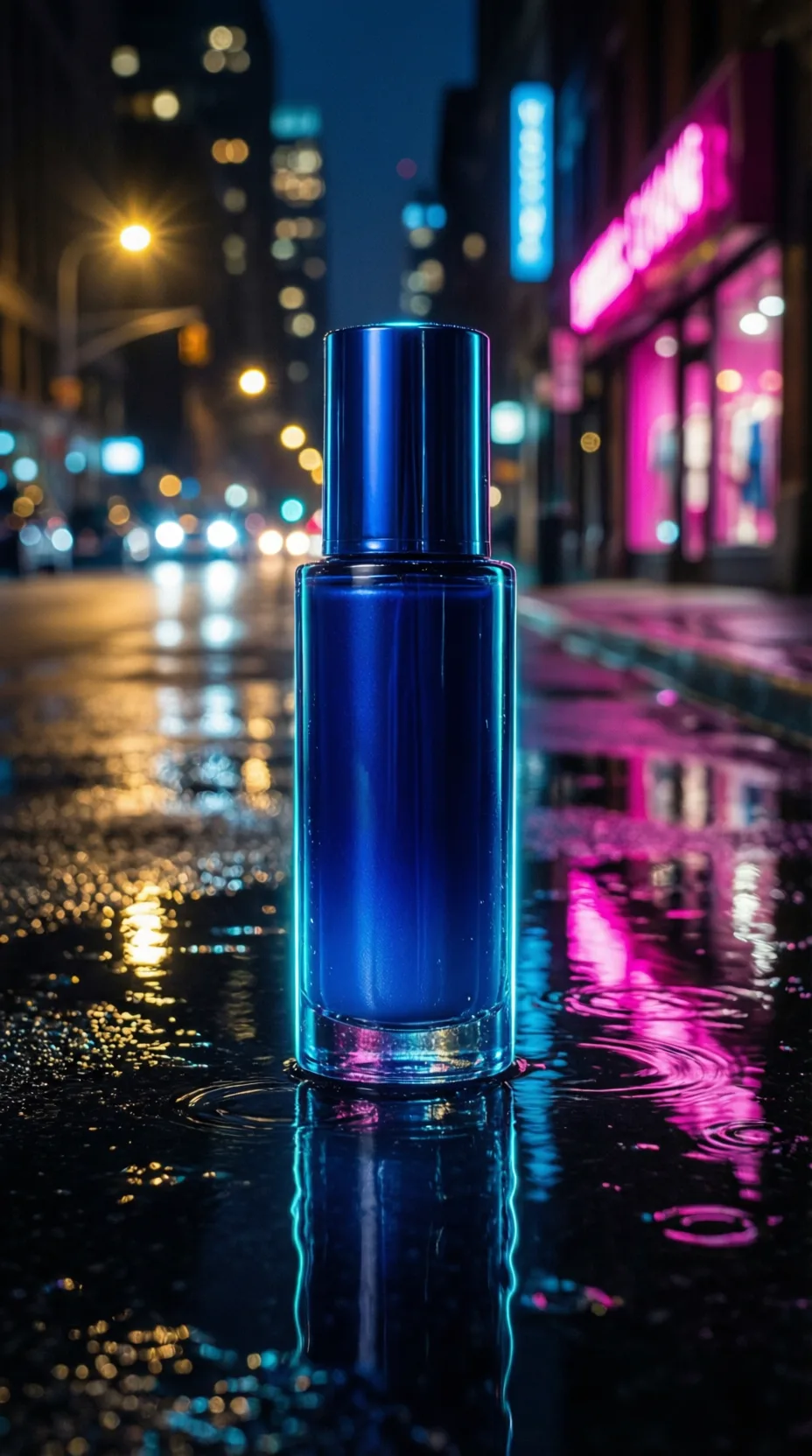
Place a blue or dark glass bottle on a wet black tile. Aim a cool light from behind and a pink or magenta light across the tile, not directly at the front label. The product should stay neutral enough for its shape and color to remain trustworthy.
Leave dark space around the bottle. A bright reflection directly behind its edge can erase the silhouette, so shift the colored light until the outline looks clean at thumbnail size.
2. Clear perfume with one red umbrella
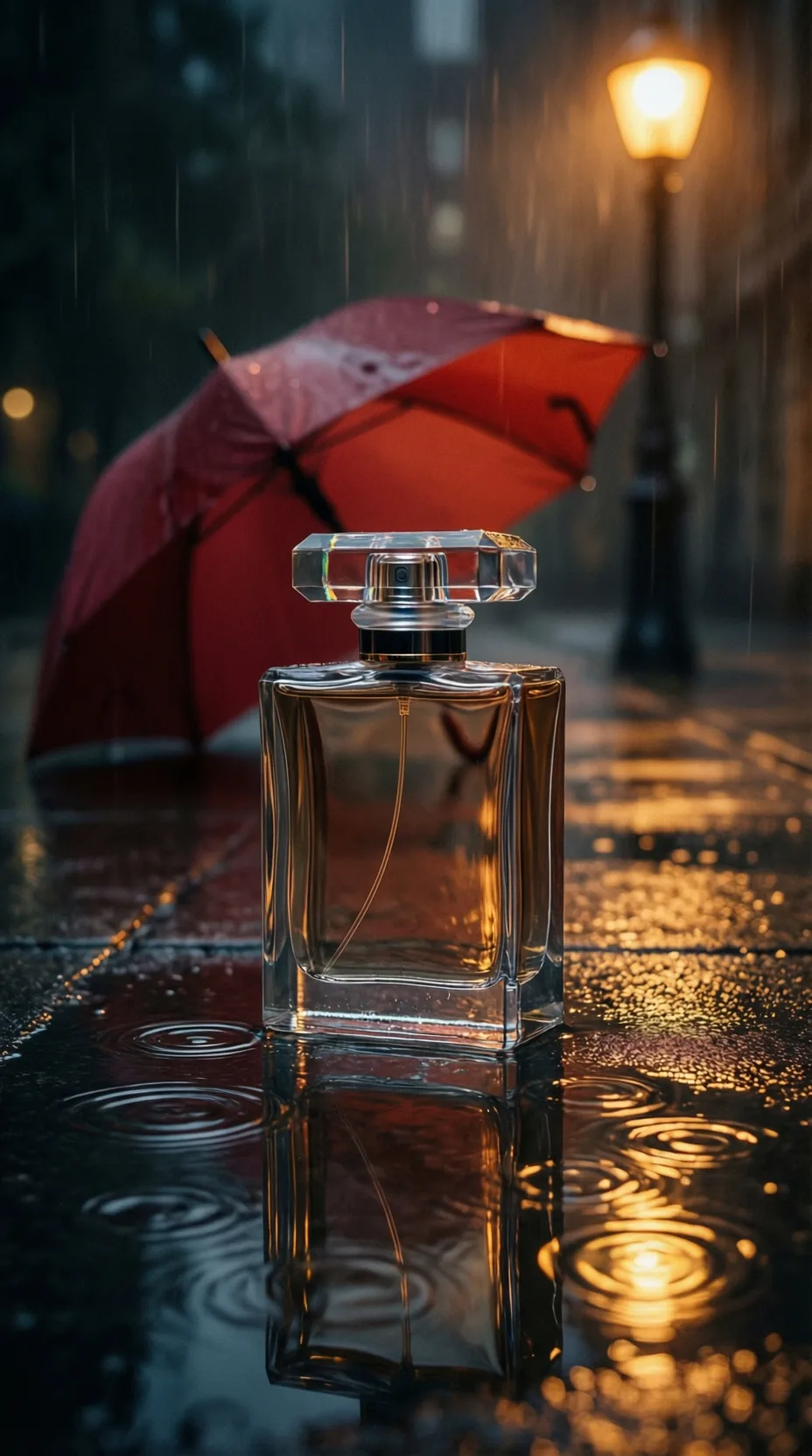
Use a clear square bottle, warm side light, and a single red prop far in the background. The prop can be an umbrella-shaped object or simply a curved patch of red that falls out of focus. Its job is to suggest a story, not explain one.
Clear glass needs edge definition. Slide two pieces of dark card just outside the frame to create darker lines along the bottle sides, then place a small white card above or beside the phone to add a controlled highlight.
3. Running shoe at a crosswalk edge
Set the phone close to the floor and shoot the shoe in a clean side profile. Create one pale diagonal with removable white tape or a strip of card, then let a violet reflection travel toward the lens. Keep the tread dry enough to show texture; a soaked shoe can look accidental rather than athletic.
For motion, capture a static hero frame first. Then record a second clip in which a small ripple moves through the foreground. Cutting between those clips is safer than splashing water near the product during the packshot.
4. Iced drink under warm street light
A drink benefits from orange and teal rather than deep blue alone. Mist the outside of an unbranded clear cup, place it on wet tile, and use a warm key light to make the liquid inviting. A cooler background reflection can still suggest night without making the drink feel gray.
Food styling matters more than spectacle. Wipe stray droplets from the rim, rotate the best-looking side toward the camera, and replace melting ice before each take.
How do you shoot a rain slick product effect on a phone?
Build the reflection on a controllable tabletop rather than waiting for rain. A dark glossy tile, shallow tray, or sheet of black acrylic gives you repeatable puddles and keeps water away from cables.
- Prepare the hero. Remove dust, fingerprints, price stickers, and distracting label glare. Photograph the clean product before adding water.
- Wet only the surface. Spray a thin, uneven film around the item. Use a dropper for two or three deliberate puddles instead of flooding the set.
- Choose one color pair. Try cyan with magenta, amber with red, or teal with orange. One light should define the edge; the other should appear mainly in the reflection.
- Lower and lock the phone. Put the phone on a small tripod or stable stack, tap the product to focus, and reduce exposure until bright reflections retain detail.
- Record a clean clip. Start with three seconds of stillness, add a slow push-in, then film a separate ripple or droplet insert.
- Check at feed size. Shrink the frame. If the puddle reads before the product, simplify the light or move closer.
According to Apple’s iPhone 15 Pro technical specifications (2023), that model records 4K video at 24, 25, 30, or 60 frames per second. Choose 30 fps for a straightforward product clip and reserve 60 fps for motion you intend to slow.
According to Apple’s iPhone 15 Pro technical specifications (2023), 1080p slow-motion recording is available at 120 or 240 fps. That can make a deliberate droplet or ripple smoother, but a normal-speed hero shot should remain the foundation.
Copyable prompt and shot checklist
If you are developing a generated scene before filming, write the prompt around the product first. You can also turn a product photo into a rain-slick video ad with Prodvid, our team’s iOS app for AI product video ads. Review the result for label fidelity, reflections, and believable geometry before publishing.
Prompt template: Vertical product advertisement for an unbranded [product, color, material] on [wet black pavement / rain-slick tile / shallow puddle], [single accent color] reflected across the surface, [warm or cool] edge light, low camera angle, sharp product silhouette, soft distant night bokeh, realistic editorial product photography, no people, no letters, no logos, no signage, no watermark.
Copyable pre-shoot checklist:
- Product cleaned and label checked
- Water contained in a tray or wipeable area
- One hero color and one supporting light
- Background props blurred and minimal
- Focus and exposure locked on the product
- Three seconds of clean footage before motion
- Reflection checked at thumbnail size
- Dry backup packshot captured
Make three controlled versions: dark and polished, brighter and retail-friendly, and one with a surprising accent color. Change only the lighting or reflection between versions so you can tell which choice improved the image.
FAQ
What surface makes the best rain slick product effect?
A dark glossy tile is the easiest starting surface because it reflects light, contains a small amount of water, and wipes clean quickly. Black acrylic produces a smoother mirror effect, while textured tile feels more like pavement. Test the product dry first because highly reflective packaging can disappear against pure black.
Can you make a rain slick ad without shooting outdoors?
Yes. A shallow tray, glossy tile, spray bottle, and two small lights can create the effect on a table. Keep the background distant and dark, then introduce one soft colored reflection. An indoor setup gives you safer equipment placement, repeatable puddles, and consistent product positioning.
How do you stop neon reflections from hiding the product?
Move the colored light sideways until its reflection sits beside or below the product rather than directly behind the outline. Lower the light intensity, lock exposure on the hero item, and add a neutral edge light. The product should be identifiable before viewers notice the color treatment.
Should the rain move in a product video?
Subtle movement is usually enough. Use one foreground ripple, a short droplet insert, or a gentle shimmer in the reflection, then cut to a benefit or detail shot. Avoid continuous heavy rain unless the packaging and concept genuinely call for it; too much motion competes with the item.
Key takeaways
- Keep the product crisp and let the wet surface carry the atmosphere.
- Use one dominant reflection color plus one practical edge light.
- Shoot the dry hero packshot before adding water or motion.
- Build separate static and ripple clips so the edit stays controllable.
- Judge every version at phone-feed size before publishing.