Paper tear product effect ads use a ragged paper opening to frame a packshot, creating depth and a quick visual reveal. This guide is for small brands and sellers who want to build the look from a clean product photo, then turn it into a short ad with a phone-friendly edit.
The simplest version needs one product, one paper color, one contrasting background, and one believable torn edge. Keep the item recognizable, let the foreground overlap it slightly, and animate the opening before holding on the product. The four directions below work for fashion, beauty, accessories, and home fragrance.
Why does the paper tear product effect work?
The torn edge gives the eye a clear route into the frame. Viewers first notice the irregular opening, then follow its shape toward the product. Unlike a busy lifestyle set, this treatment creates a foreground, background, and focal point with only a few elements.
The look also suggests action. A shoe can appear to kick through the surface; a tube can rise through a softer opening; a bottle can sit inside a deep paper aperture. The product feels responsible for the break, so a static packshot already implies a before-and-after moment.
Restraint makes the effect convincing. One tear is usually stronger than several decorative scraps. Realistic fibers, uneven pressure, and a small overlap sell the illusion, while a perfectly smooth hole often reads as a digital cutout.
4 paper tear product effect looks to try
1. Horizontal red sneaker break
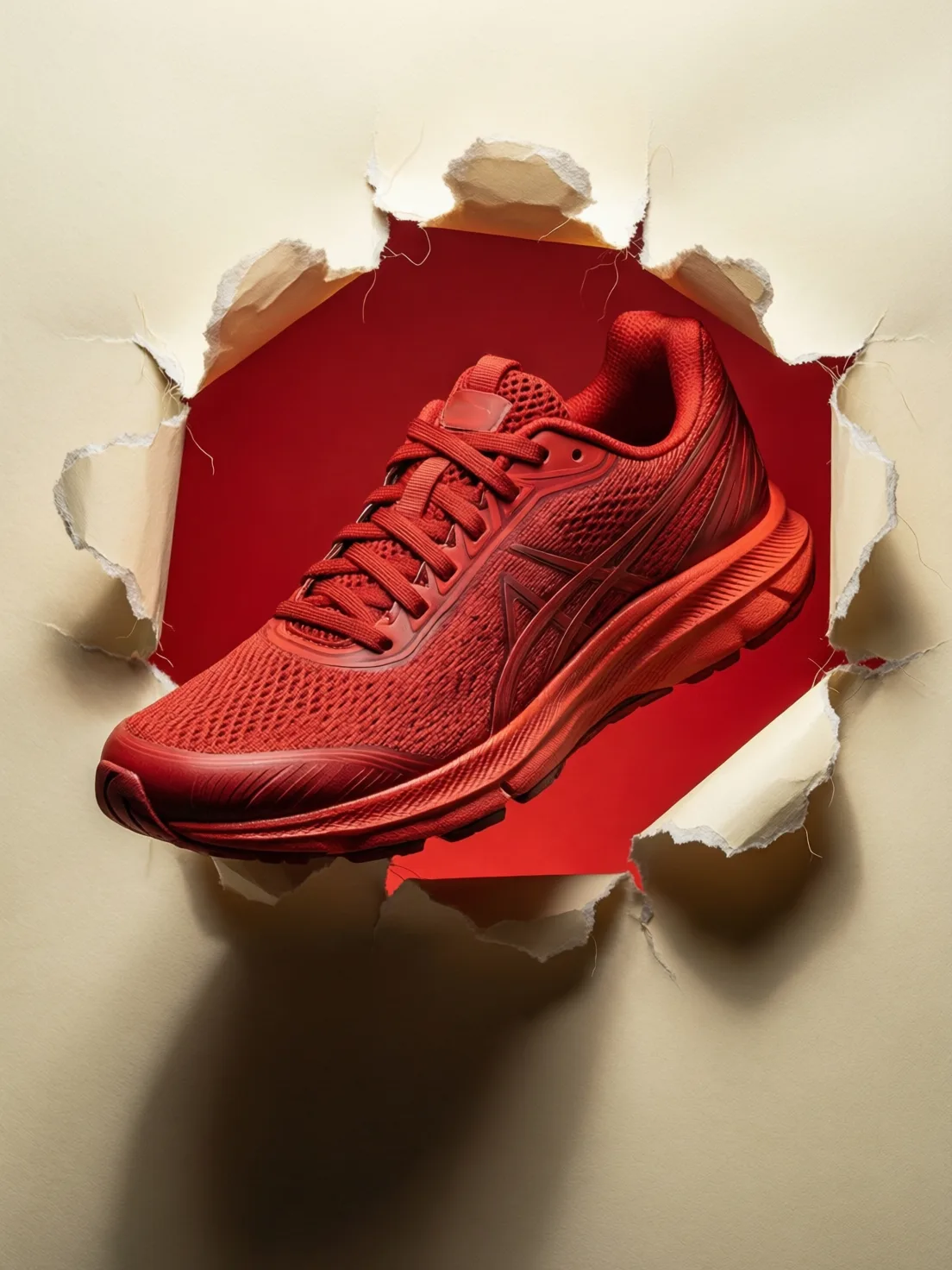
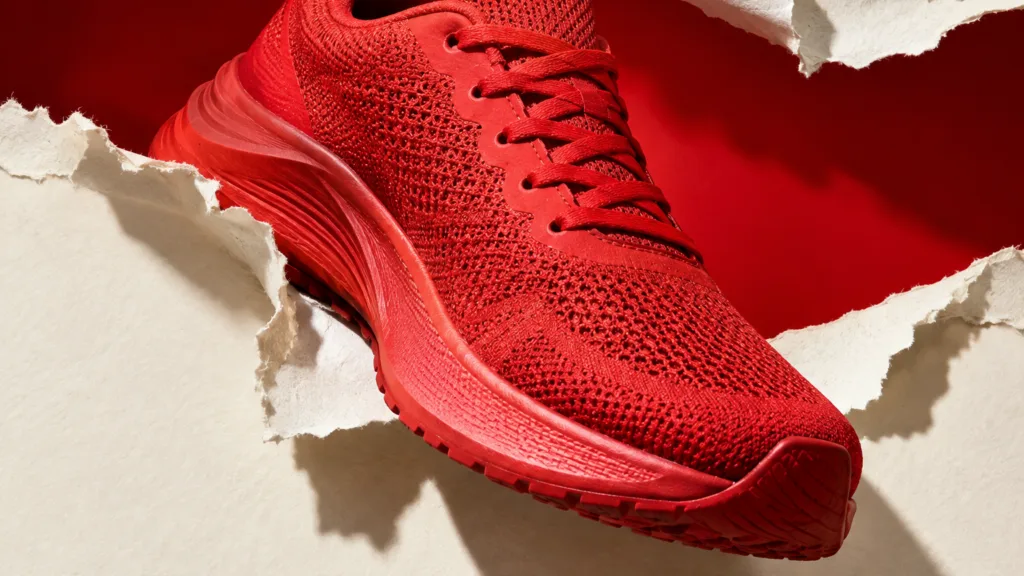
Choose a product with a silhouette people can identify immediately. Place a bright sneaker across a long tear in warm ivory paper, then use a background close to the product color. The paper should overlap the heel or sole just enough to establish depth without covering important details.
Copyable prompt: Text-free ecommerce fashion image, one bright red running shoe pushing through a jagged horizontal opening in thick warm ivory paper, saturated red background, visible paper fibers, directional studio shadow, crisp product texture, blank unbranded shoe, no letters, no logos.
2. Graphic sneaker launch frame
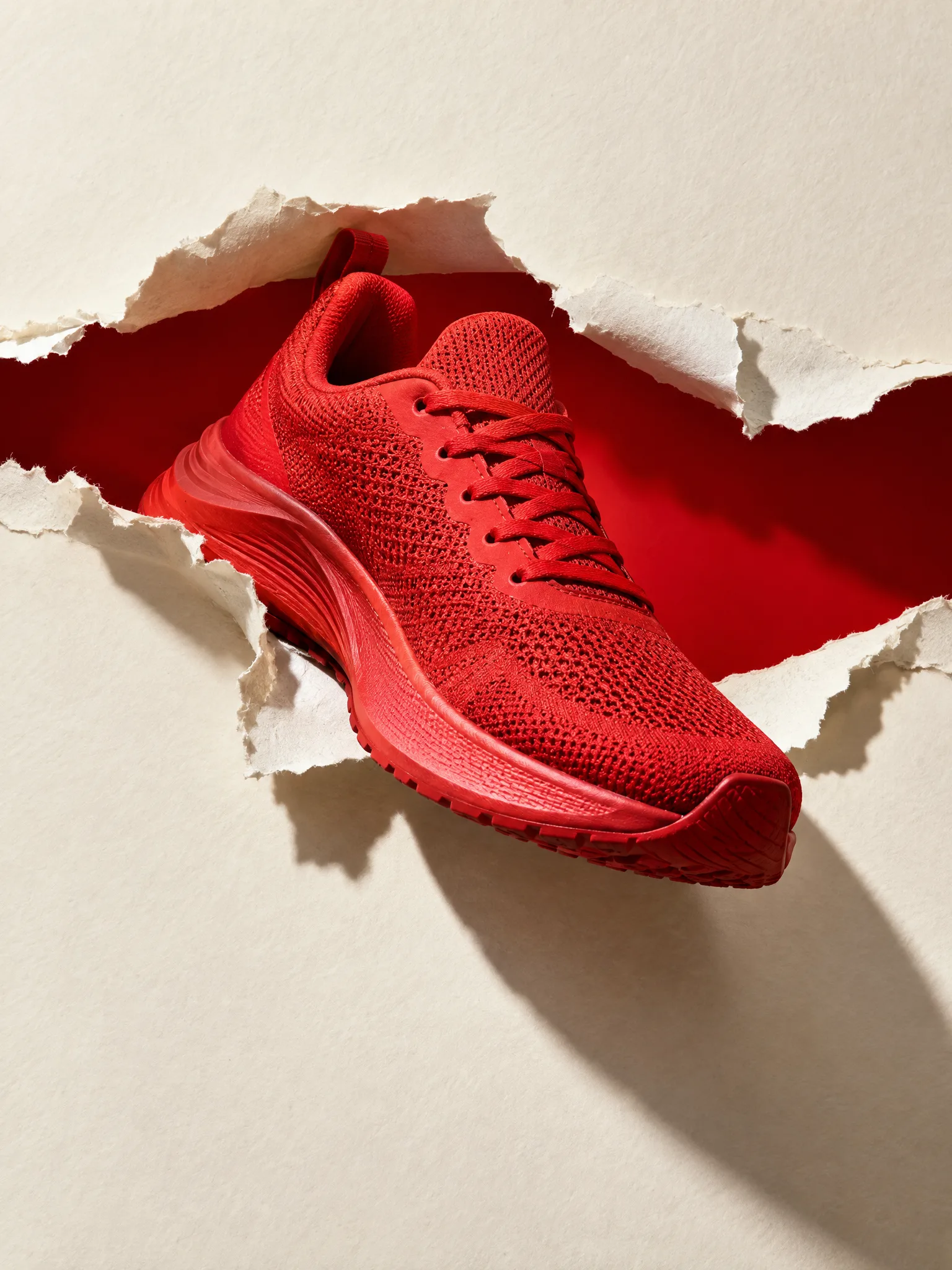
This version uses a tighter aperture and a bolder shadow. It suits campaign covers where the product needs to occupy most of a vertical frame. Leave clean space above or below the tear for copy added during editing; do not ask an image model to render the offer or brand name.
To create a second variation without rebuilding the concept, reverse the shoe direction, shift the opening off-center, or change the tear from nearly horizontal to a shallow diagonal. Change only one variable at a time so you can tell which composition reads faster.
3. Soft coral skincare reveal
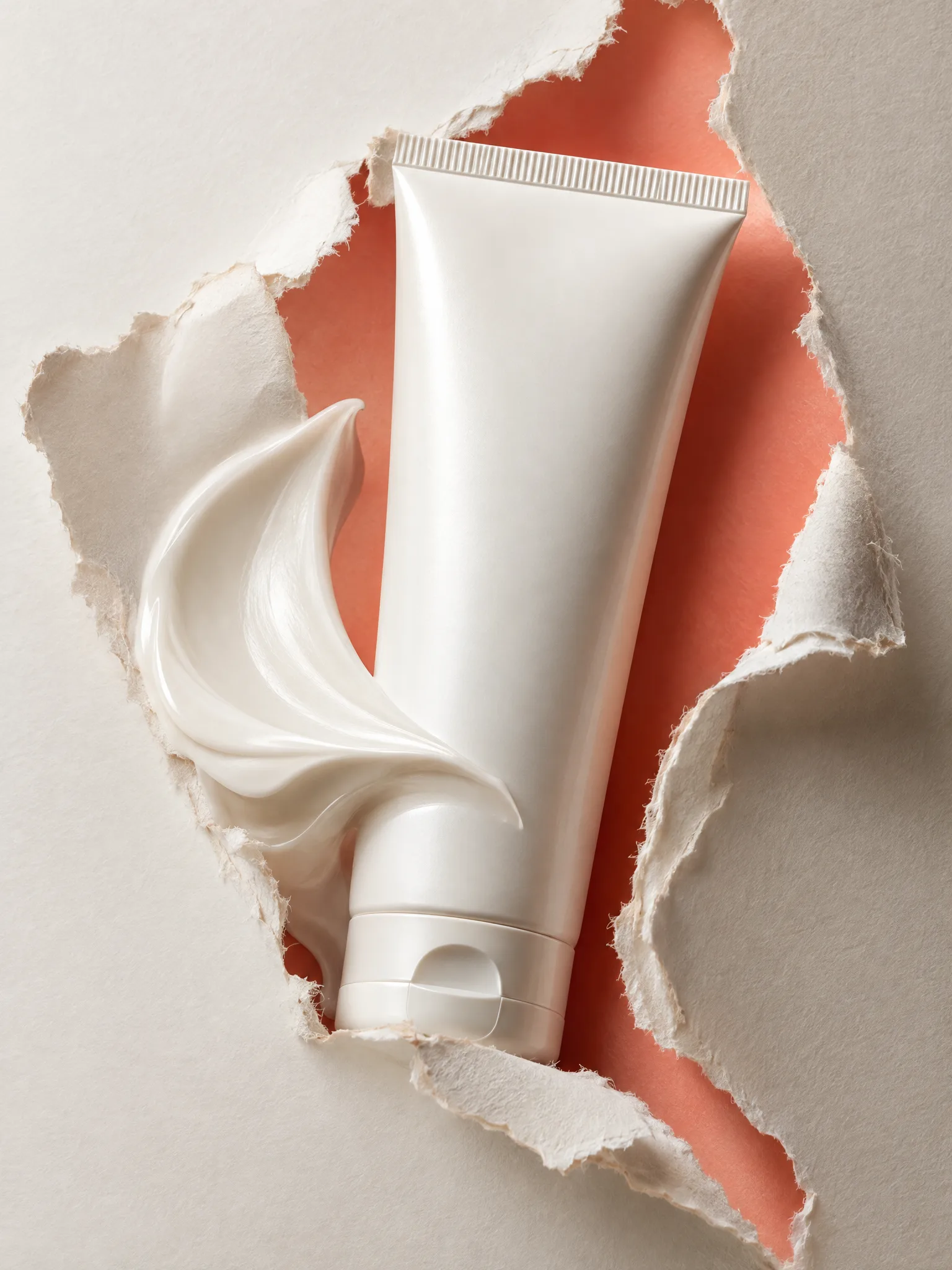
Beauty products usually benefit from a rounded opening, quieter color, and softer illumination. Keep the tube front-facing so its shape remains stable, and use pale coral, butter yellow, or powder blue behind cream-colored packaging. The tear adds texture without competing with the packshot.
Copyable prompt: Text-free beauty campaign still, smooth pearl-white skincare tube rising through one organic ripped-paper opening, soft coral background, realistic frayed fibers, diffused window light, premium tabletop photograph, blank packaging, no label, no letters, no logo.
4. Plum perfume aperture
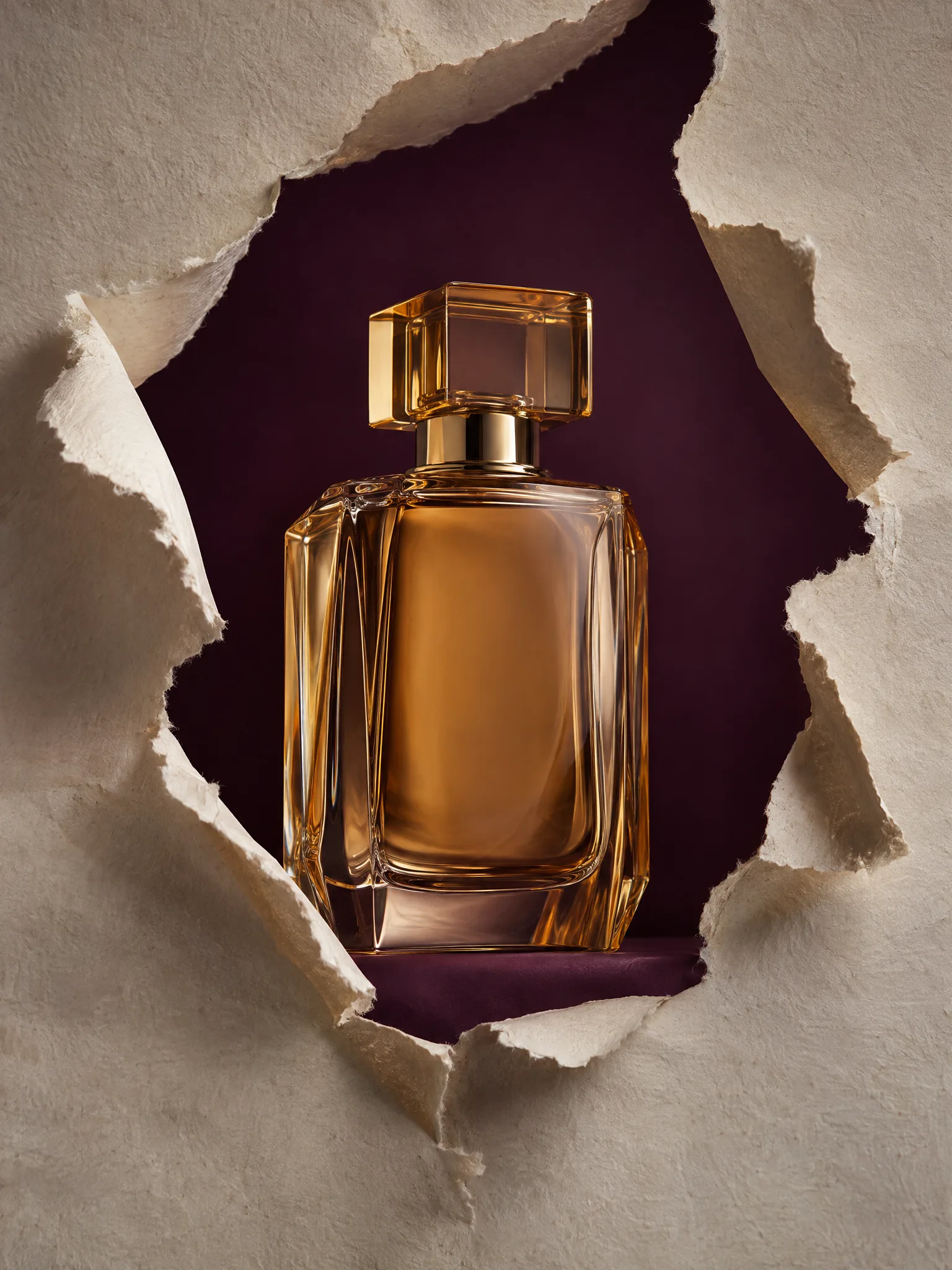
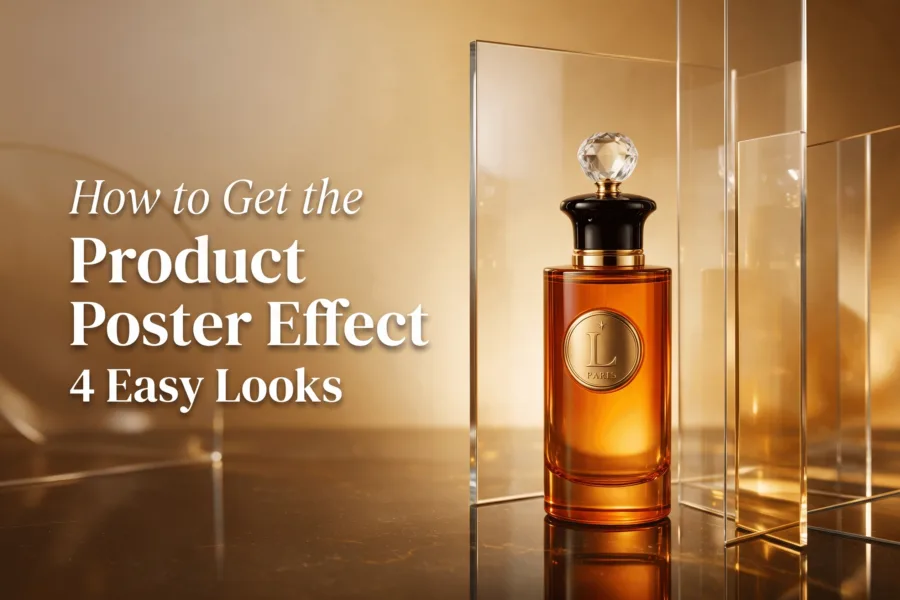
Reflective glass makes this the most demanding option. Use a large opening, a centered bottle, and a background that contrasts with the liquid. Amber glass against deep plum keeps the silhouette visible. If the bottle warps, remove dramatic angles and request one straight-on packshot with calm directional light.
Inspect the cap, reflections, bottle symmetry, and paper edge at full size. A stylish composition is not usable if the product geometry changes between frames.
How do you make a paper tear product effect?
Build the still first, approve the product details, and only then plan the motion. This order prevents a weak source image from becoming a more expensive video problem.
- Prepare the product. Start with a sharp, evenly lit photo and remove distracting props.
- Choose one contrast pair. Set a neutral or colored paper foreground against a background that separates the product.
- Define the opening. Use horizontal for speed, vertical for height, or rounded for a softer beauty look.
- Describe physical detail. Ask for frayed fibers, irregular edges, paper thickness, and a believable shadow.
- Protect the packshot. Request a front-facing product, accurate proportions, blank labels, and no logos or letters.
- Create the reveal. Animate from closed paper to the approved open composition, then hold long enough to read the product.
For an AI route, you can turn a product photo into a short ad in Prodvid, our iOS app: according to Apple’s App Store listing (2026), it includes 280+ cinematic presets and supports 9:16, 16:9, and 1:1 output.
How do you edit the reveal on a phone?
A clear five-second structure is enough. The opening should happen quickly, but the final product needs more screen time than the transition. If every moment moves, viewers never receive a clean selling frame.
- 0.0–0.5 seconds: show the closed paper or a very narrow split.
- 0.5–1.2 seconds: open the tear with one decisive movement or a hard cut on the beat.
- 1.2–4.2 seconds: hold the full product and add one benefit line in the editor.
- 4.2–5.0 seconds: cut to the product in use or finish on a clean packshot.
Keep the first frame understandable without sound. For more opening patterns, use this library of product video hooks. Before publishing an AI-assisted version, run the AI product video quality checklist to catch warped packaging, unstable edges, or unreadable overlays.
Copyable pre-publish checklist
- The product shape and color match the real item.
- The tear has visible fibers and an irregular edge.
- The paper overlaps the product without hiding a key feature.
- No generated letters, labels, watermarks, or fake logos remain.
- The reveal is clear at phone size and works without sound.
- Any price, claim, or offer was added as editable text.
- The final hold is long enough to recognize the product.
FAQ
What products suit a paper tear effect?
Products with a clear outline suit the effect best. Sneakers, tubes, bottles, watches, sunglasses, pouches, and small gadgets remain recognizable even when a paper edge overlaps them. Very reflective or transparent products can work, but they require closer checks for distorted geometry and inconsistent reflections.
Can you make the paper tear effect with real paper?
Yes. Tear heavy craft paper by hand, place a contrasting card behind it, and support the product between the layers. Light from one side so the ripped edge casts a small shadow. Film the paper opening separately if pulling it live makes the product move or the set wobble.
Should the tear match the product color?
The background can match the product for a bold color-blocked campaign, but the foreground paper should remain distinct. If all three elements are similar, the edge disappears. Check the frame as a small thumbnail; if the product silhouette is unclear, increase contrast before adding more decoration.
How long should a paper tear reveal be?
The reveal itself can be under a second, while the clean product hold should take most of a short ad. Timing depends on the platform and message, but clarity matters more than speed. Test the clip muted and stop on the final frame to confirm that both the item and benefit are easy to read.
Key takeaways
- Use one believable torn opening to create depth and direct attention.
- Match the aperture shape to the product: horizontal for motion, rounded for softness, large and centered for reflective bottles.
- Approve product geometry before animating the image.
- Add brand copy and offers during editing, not inside a generated visual.
- Give the final packshot more screen time than the transition.
Sources
- Apple App Store listing for Prodvid, 2026; primary product specifications linked in the workflow section above.